# Quick Start
PWABuilder is an open source tool that allows developers to package their PWAs for publishing to various stores, including Microsoft, Google Play, and the iOS App Store.
## Prerequisites
If your web app meets a few baseline PWA requirements, you can use PWABuilder to validate, score, and package your application for stores.
Your PWA needs to:
* be published at a public URL
* have a complete web manifest
* be secured with HTTPS
If your app meets these requirements, you can package with PWABuilder.
?> **Note** To publish your package, you will need a Developer Account with each platform you want to publish with.
For the Microsoft and Google Play stores, these cost a one time fee of $19 and $25, respectively. For the Apple App Store,
an account costs a recurring $99 per year.
## Packaging
You can have an application package for your PWA in just a few steps:
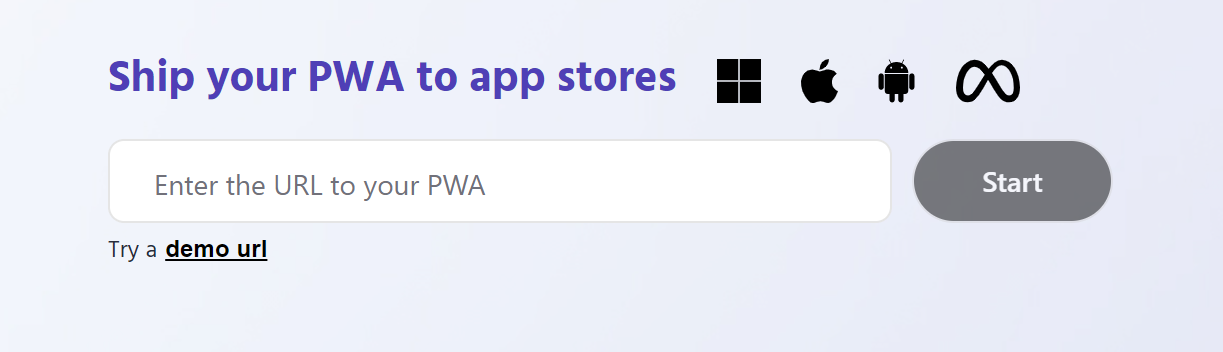
1. From the [homepage of PWABuilder](https://www.pwabuilder.com/), you can enter a URL to start the packaging process.
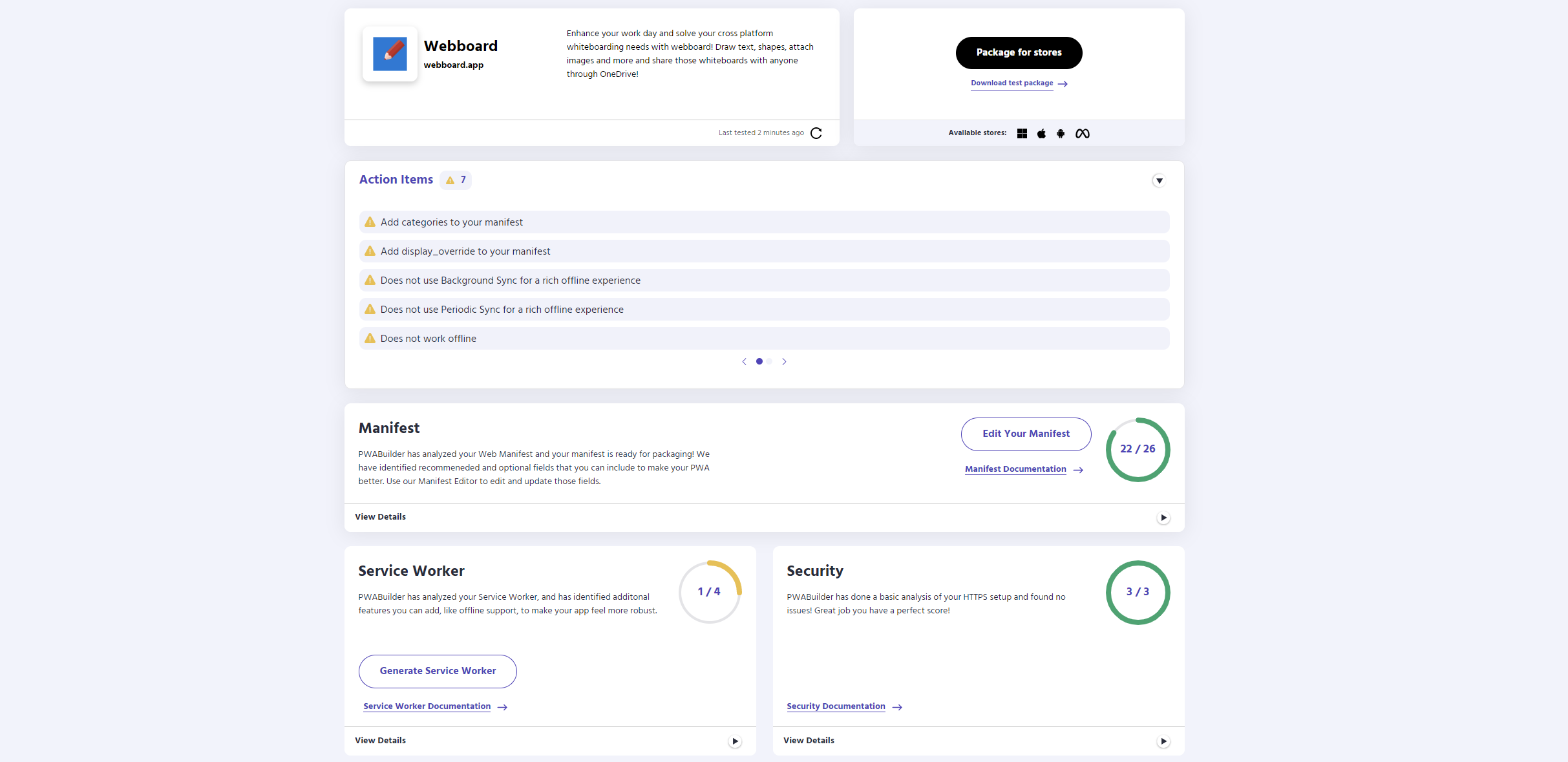
2. PWABuilder will take you to report card page for your application, where you can view scores and action items for your progressive web app.
3. To proceed to packaging your app, click the black `Package for stores` button on the top right of the scorecard page.
4. Browse the options for packaging, and select a platform by clicking `Generate Package`.
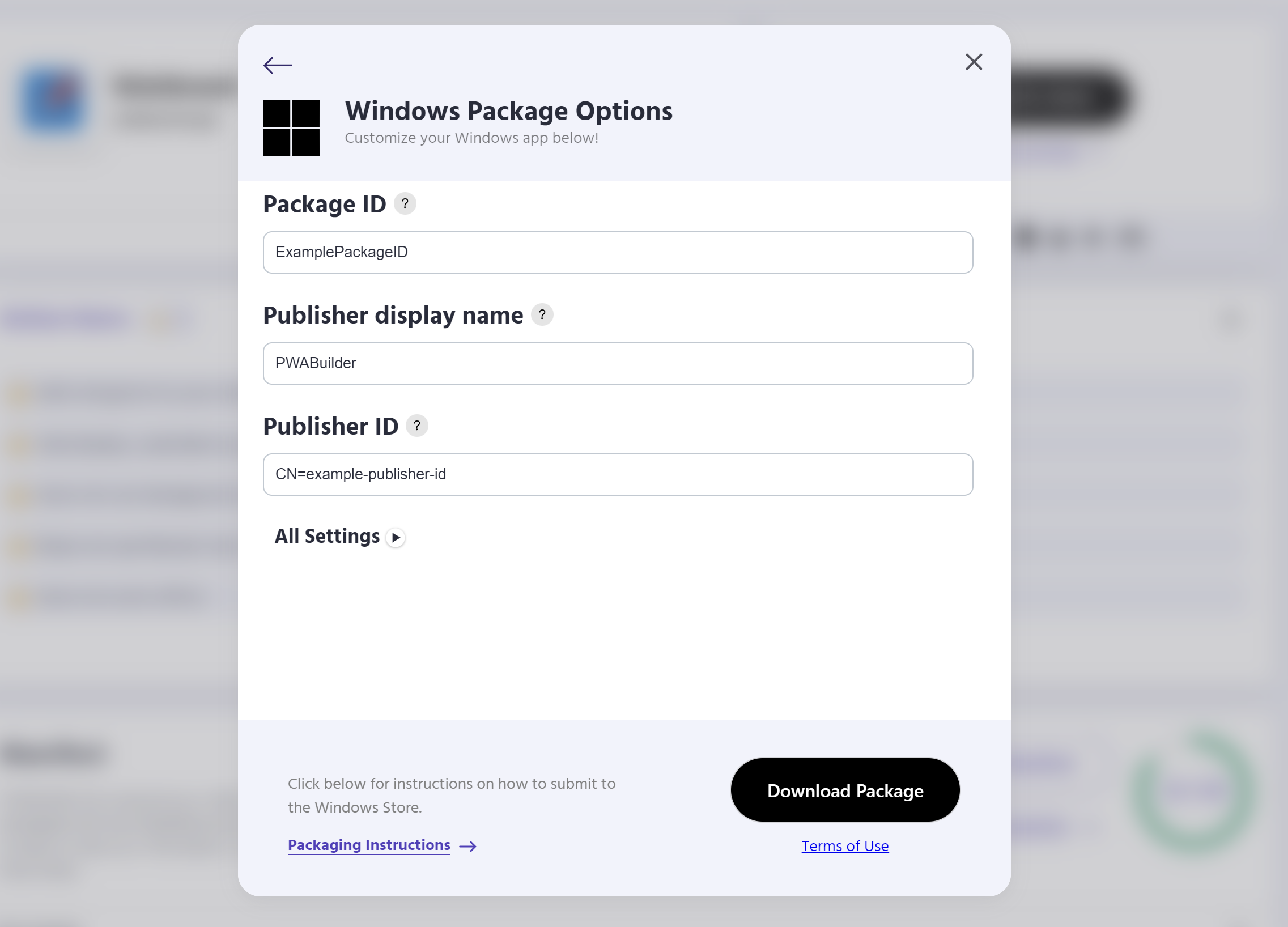
5. You will be prompted for metadata related to your application, which will vary depending on platform.
6. Lastly, select `Download Package` to download your package.
## Updating Packages
Progressive Web Apps that are published to app stores using PWA Builder have a huge benefit: they don't need to be republished to their respective listings when you update the content of your apps.
In order to deliver a new version of your app, you just need to update the version of your PWA being served on the web, and this will be reflected in all distributions of your app. The only time a user might see outdated data is if they are using a cached version of your app or aren't currently connected to the web.
## Next Steps
If you're looking for more specific guidance on how to publish a PWA to a specific store, check out the platform-specific articles:
**[Microsoft Store](/builder/windows)**
**[Google Play Store](/builder/android)**
**[iOS App Store](/builder/app-store)**